

Why a clear framework matters
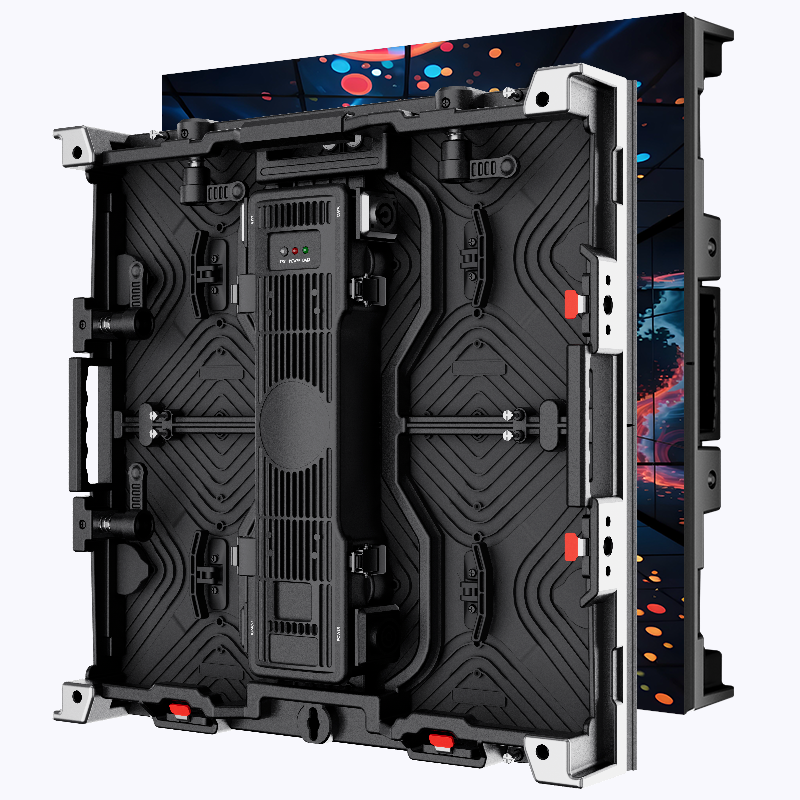
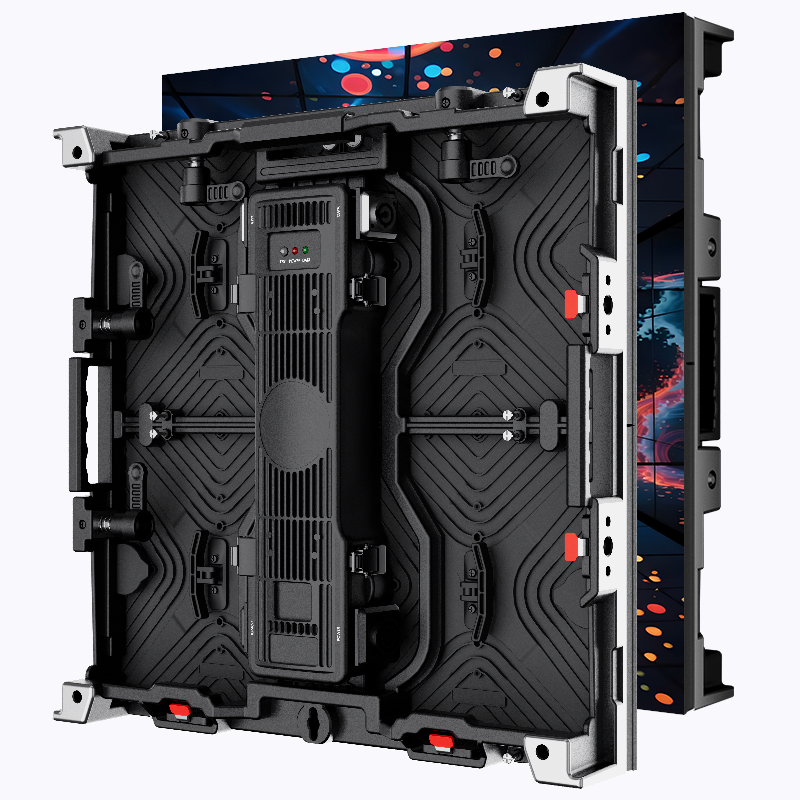
Start with the setup: a concise process keeps technical choices from wrecking production days. This piece lays out a repeatable framework for planning and deploying an indoor LED display, whether you’re renovating a theater, fitting a corporate atrium, or staging a festival mainstage. Right away, consider the physical screen type and supplier — a reliable Stage LED Screen partner changes the whole equation.
The four-stage decision framework
Break decisions into four stages: Needs, Specs, Integration, and Ops. Needs defines viewing distance and content goals. Specs cover pixel pitch, brightness (nits), and refresh rate. Integration looks at mounting, power, and the video processor. Ops plans calibration, on-site tech staffing, and maintenance routines. Following this order keeps you from buying too-high-spec modules for a small room — or too coarse a pixel pitch for close viewing.
Operational production teardown: real steps on the floor
Start with sightlines and content mapping. Sketch the room, mark primary sight cones, and note ambient light. For an indoor LED display installation, target pixel pitch based on the closest viewer distance — smaller pitch for intimate spaces. Factor in refresh rate for camera-heavy events and set the video processor to match your broadcast chain. Then check power distribution, redundancy, and the AV rack layout.
Technical checklist
Use this concise checklist during procurement and install:
– Confirm pixel pitch against viewing distance.
– Match refresh rate to cameras and broadcast gear.
– Verify module brightness and cooling specs for indoor use.
– Specify calibration scope: color temperature, gamma curve, and uniformity checks.
– Plan seams, bezel alignment, and mounting tolerances.
Common mistakes and how to avoid them
Buyers often prioritize headline specs and forget the control chain. A top-tier panel with poor calibration or a misconfigured scaler will still look bad. Another trap: underplanning for rigging and service access — you need removable panels and spare modules. Also avoid mismatched gear: inconsistent refresh rates between the LED controller and camera feed cause rolling or stutter. — Always schedule a full system run-through with playback using expected content formats.
Real-world anchor: festival and broadcast lessons
Look at large events like Coachella or the Super Bowl halftime for applied lessons: teams there invest in precise calibration, tight pixel pitch for close-stage action, and redundancy in both video processing and power. Those productions make the right trade-offs between brightness and color consistency — useful when you’re planning a busy concert season or a high-profile corporate launch.
Alternatives and trade-offs
Compare LED walls to projection and LCD video walls. Projection can be cheaper for very large, diffuse images but struggles with high ambient light and contrast. LCD arrays give sharp images close-up but create visible bezels and limited modularity. LED offers modular scalability and strong contrast. Choose based on content type, ambient conditions, and service model — rentals often favor LED for fast turnarounds and modular repairs, so look into a reputable stage led screen rental provider if you need flexibility.
Expert operational tips
Include power and network stress tests in your dry run. Use LUTs for consistent color mapping across tiles and log temperature and humidity during load tests. Keep spare modules, a calibrated reference panel, and an experienced technician who knows how to run calibration software and swap out a faulty LED tile quickly. Pixel pitch, refresh rate, and calibration are the trio you’ll return to most often.
Advisory close: three golden rules for smart decisions
1) Match pixel pitch to the minimum viewer distance — this dictates perceived sharpness and avoids wasted budget. 2) Require end-to-end compatibility: panel specs, video processor, and camera systems must share refresh and color parameters. 3) Insist on serviceability: modular panels, accessible mounts, and a local rental partner or crew reduce downtime and cost on event days.
These rules steer you from guesswork to practical outcomes, and when installation complexity rises, a well-chosen supplier becomes the difference between a stressful load-in and a smooth show — Coblinks. —

