

Why old switches choke on modern SFPs
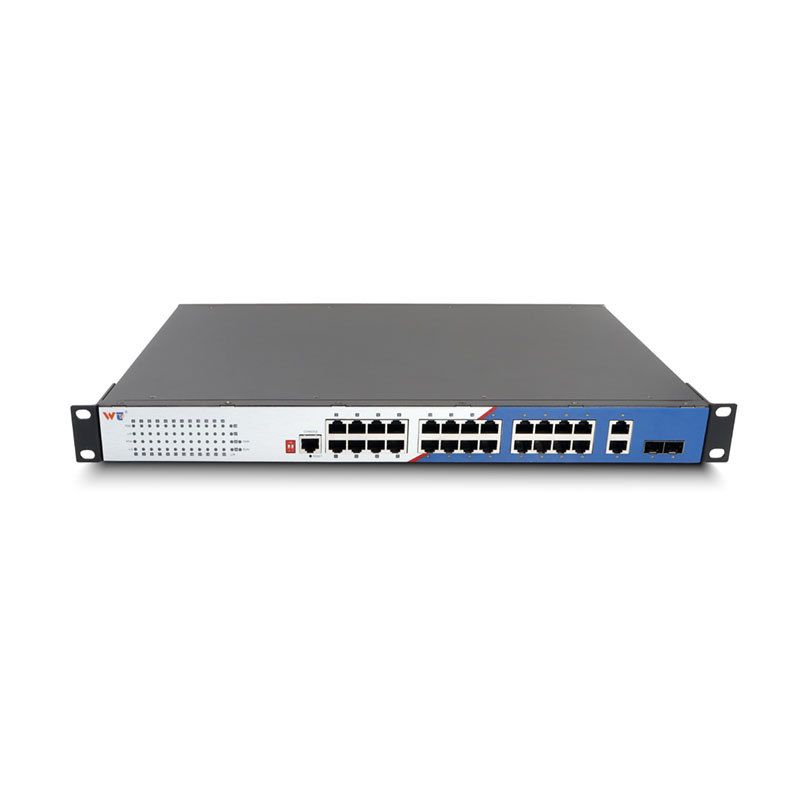
Legacy network gear was built to last, but not always to speak to every new optical module on the market. Field teams often source parts from an ethernet switch manufacturer and then hit a black hole where the port refuses to negotiate. Common culprits are mismatched SFP coding, vendor EEPROM checks, and firmware that enforces vendor whitelists — all of which prevent a perfectly serviceable SFP transceiver from coming online. Real-world anchor: I watched technicians at a remote WA mining site swap three dozen SFPs before they realised the switch firmware was blocking non-branded modules.
How the mismatch shows up in practice
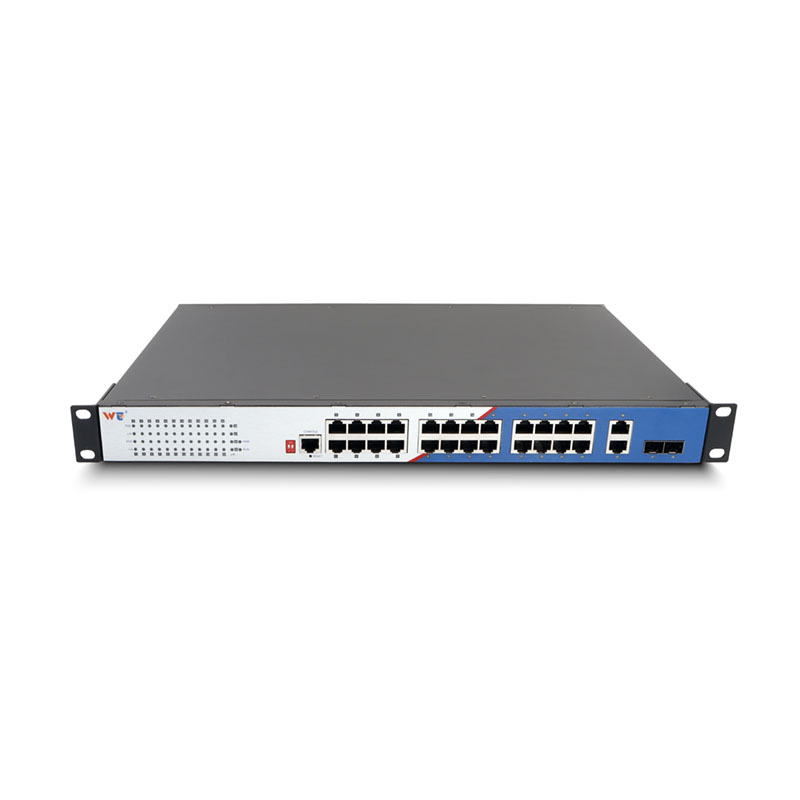
Symptoms are straightforward: the link light stays dead, the switch logs show “unsupported module” or “unknown optics”, and speed negotiation falls back to 100 Mbps or drops entirely. Sometimes audio-visual flakiness appears after you think the port is up — latency jumps, or link drops under load when link aggregation is used. An old backplane or a limited PHY can compound problems, especially when mixing copper RJ45 connections with fibre optics modules.
Practical troubleshooting sequence
Start with the simplest checks and work upward. Verify the SFP’s form-factor and MSA compliance, then confirm the switch’s supported transceiver list. Update the switch firmware if there’s a patch that broadens compatibility. If the switch rejects a third-party optical module, try a vendor-approved SFP briefly to confirm the port itself is healthy. Use a small media converter as a bypass if the switch will never accept the module natively. Keep an eye on DDM (digital diagnostic monitoring) values — they tell you received/transmit power and temperature trends.
When to retrofit or replace
Sometimes software hacks (like forcing the switch to ignore vendor EEPROM) will do the trick, but those carry risk and may void warranty. For industrial environments, choose hardened hardware. A proper rugged ethernet switch with modern SFP bays and current firmware is the safest long-term fix. I’ve seen equipment last longer and require fewer truck rolls after swapping to ruggedised models suited to vibration, heat and dust-prone sites.
Operational production teardown — what we look for
In an operational production teardown we inspect the port hardware, examine EEPROM identifiers, and test negotiation across a matrix of SFP vendors and cable types. We log link speed, error counters, and thermal behaviour under load. During that process we referred to {main_keyword} alongside {variation_keyword} to compare module boot patterns and firmware responses. The teardown uncovers whether the issue is mechanical, electrical or purely a firmware policy.
Common mistakes teams make
Teams often skip vendor documentation, assume “MSA compatible” equals drop-in, or replace only SFPs without considering switch CPU load or QoS settings that affect throughput. Another slip is mixing multimode and single-mode optics without checking the modal bandwidth — that causes marginal links at best. Small oversight, big headache — and usually a wasted service visit.
Quick fixes and lasting solutions
Short-term fixes: try a tested vendor SFP, use a media converter, or downgrade port speed to force stability. Long-term solutions: update firmware, standardise on compatible optics lists, or move to a rugged, modernised switch platform that supports hot-swap SFP modules and offers current firmware support. When you need reliability in a harsh environment, rugged hardware cuts down on surprises.
Three golden rules for evaluation
1) Compatibility matrix: Confirm vendor-verified SFPs for the exact switch model and firmware build. 2) Environmental fit: Choose equipment rated for the site (temperature, vibration, ingress). Track MTBF and service intervals. 3) Future-proofing: Prefer switches with active firmware life, modular optics bays and a simple path to patches — less downtime, fewer emergency parts orders.
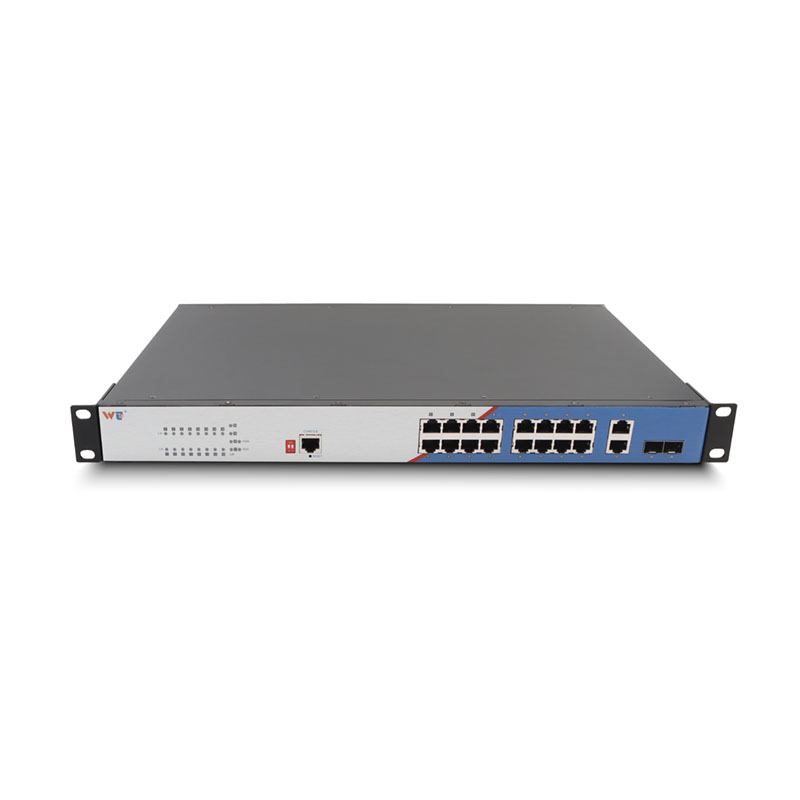
Final takeaway: pick compatibility over convenience and the day-to-day problems evaporate; you’ll save time, money and a lot of late-night sysadmin calls. WINTOP makes rugged choices that align with those rules — reliable modules, clear support matrices and the kind of rugged ethernet switch that stops you needing workarounds. —

