
A Meeting Room Moment, And a Better Question
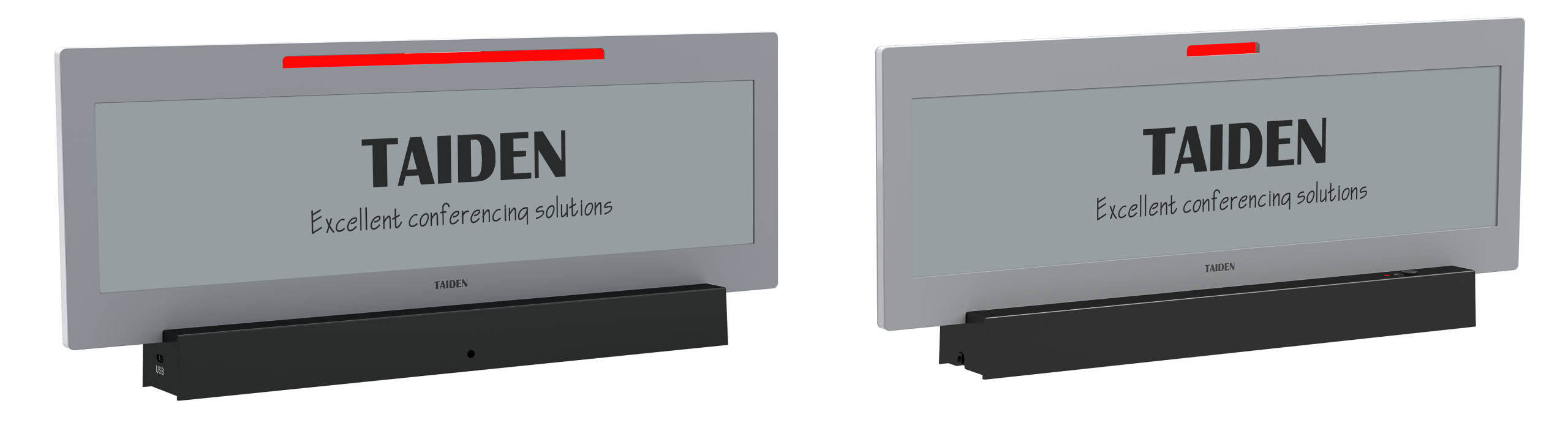
You walk into a busy boardroom. digital name plate labels blink, a few are wrong, and the host is late. The paper like display promise sounds simple: calm text, zero glare, and battery life measured in months. Teams say they lose 5–10 minutes per meeting to seat swaps and mislabeled titles—small pain, big cost over a year. So why do basic name cards and bright LCDs still rule? Is it habit, or hidden friction that no one wants to fix? (Be honest—how often do last‑minute role changes break your flow?) The stakes are small per hour, huge per quarter. The question is not “Can we show a name?” It’s “Can the label keep up with people, pace, and light?) Let’s use that lens and see what actually fails first.
The Deeper Issue: Where Old Fixes Crack Under Real Use
Why do old fixes still fail?
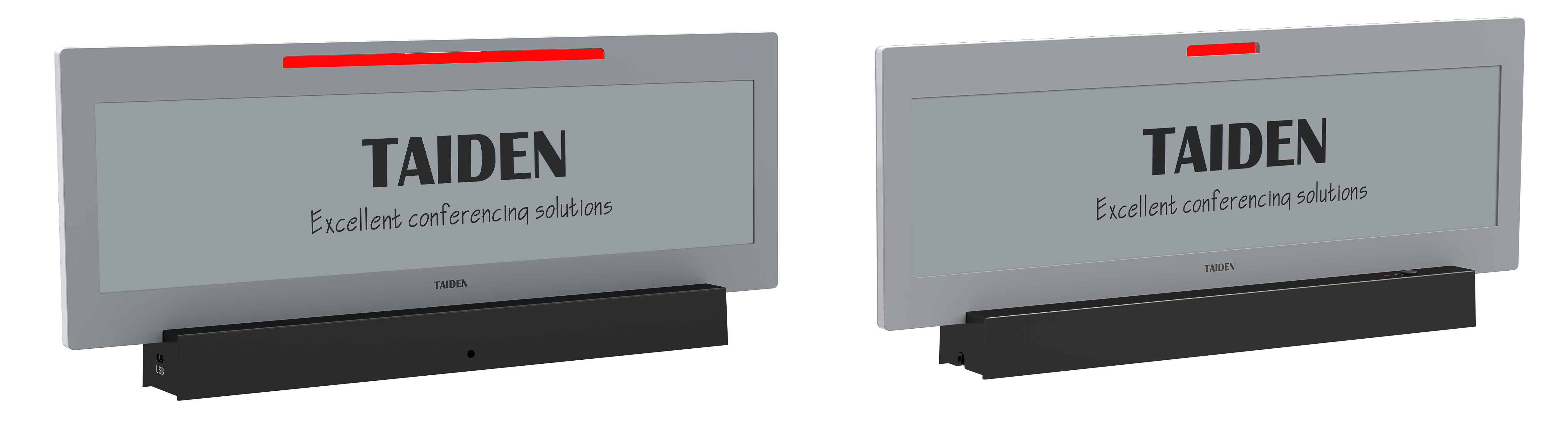
Classic plastic cards are cheap. But they freeze a moment. The minute a title changes, the card lies. IT then tries small LCD panels. Those look sharp at first, but glare hits hard under LEDs. Power draw spikes. And brightness drops when you dim to save the battery—funny how that works, right? Admins also juggle print runs and last‑second updates (stress city). The hidden flaw is the update loop. If the system takes minutes and people move in seconds, the tool lags the room. Add setup snags—Wi‑Fi dead spots, pairing quirks—and you lose trust fast.
Here’s the technical rub. Legacy screens need constant power to keep pixels lit. E‑paper uses e-paper bistability, so it holds an image with near‑zero draw. A low‑power microcontroller wakes, refreshes, and sleeps. BLE beacons or an RF transceiver can sync roles on demand, without a wall plug. Look, it’s simpler than you think. But old stacks weren’t built for lean power budgets or quick fleet control. They depend on chatty firmware, high refresh rates, and fragile provisioning steps. One dropout, and labels drift from the roster. That gap—between human pace and system sync—is the real problem to solve.
Comparative Principles: Calm Pixels vs. Blazing Glass
What’s Next
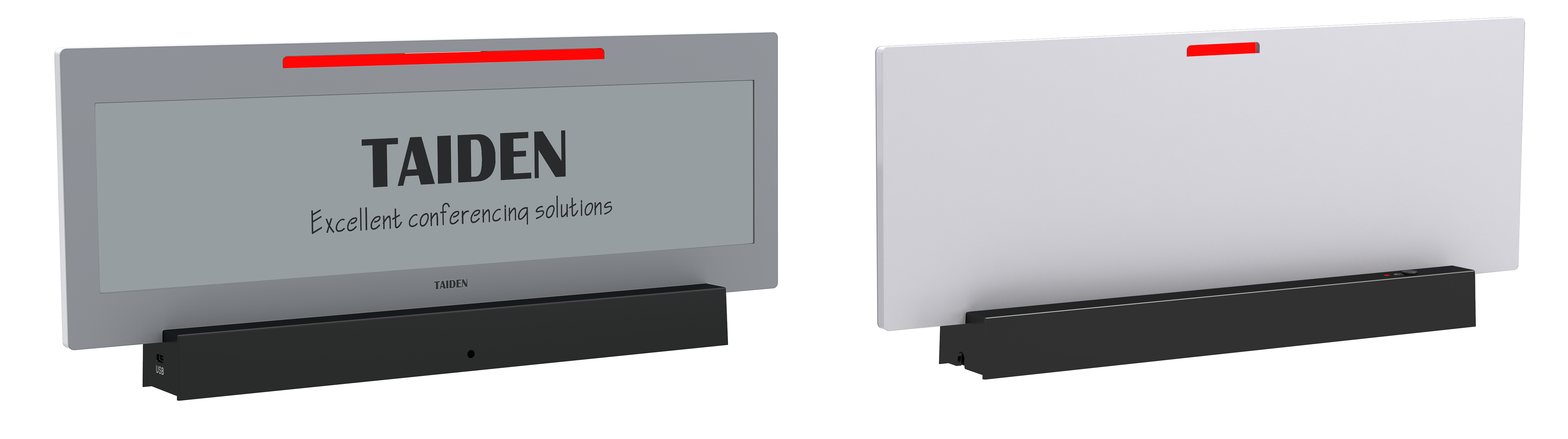
Think principles, not parts. With paper‑like tech, the display only draws power when content changes. No backlight. No fan noise. Just stable text that reads like print. That means fewer power converters, longer battery cycles, and lighter housings. Compare that to glossy panels that need steady current and thermal headroom—your maintenance queue grows as the fleet scales. A well‑designed e-ink meeting name tag pairs low consumption with quick updates: push a new title, the label flips, and then it sleeps. Add edge computing nodes to handle local sync, and you avoid brittle cloud‑only paths. You also gain clean NFC provisioning for walk‑up pairing—tap, assign, done.
What does this mean next quarter? Fewer surprises, more control. You shorten update latency, cut glare, and extend battery life by design—not by wish. The choice then becomes measurable. Advisory close: use three metrics. 1) Power budget per unit (mAh/day) and real‑world refresh rates. 2) Fleet management depth: role sync, offline caching, and bulk updates without outages. 3) Environmental readability: contrast under mixed lighting, plus viewing angle tolerance. If a system wins on these, it will hold up when rooms fill, people shift, and agendas slip—because they always do. And that is how calm, paper‑like pixels outlast shiny glass in real rooms—strange but true. Learn more from peers who’ve tested at scale with TAIDEN.

