

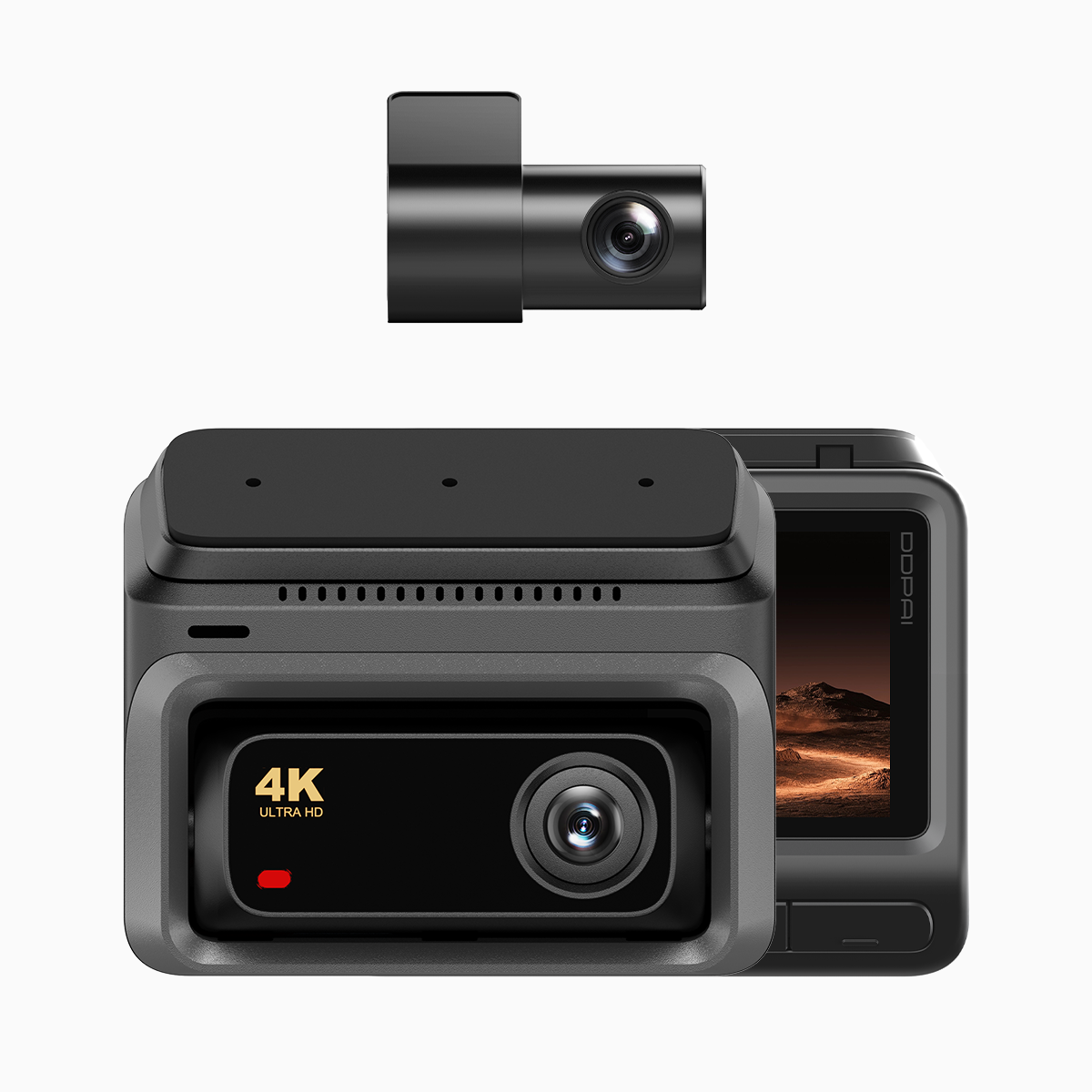
Focused start: what you’ll gain and why it matters
You’re fitting a reliable parking-surveillance setup so your car records even when you’re away—quietly, safely, and without draining the battery. This user-first guide walks you through neat cable routing, choosing the proper fuse adapter, and setting the voltage cutoff so your dashcam behaves exactly as promised. If you’re using a connected model like the 4g dash cam, these steps also help maintain mobile connectivity and stable power for features such as live view and remote alerts. A colleague in Manila once retrieved clear footage of a hit-and-run because the unit kept recording in parking mode—so this isn’t theory; it’s useful in the real world.

Prep and safety: tools, parts, and key terms
Gather a hardwire kit designed for your dashcam, a compatible fuse adapter (add-a-circuit or fuse tap), insulated crimp connectors, a multimeter, plastic trim tools, and zip ties. Expect to work with terms like “parking mode,” “voltage cutoff,” and “G-sensor.” Confirm the car’s fuse diagram and battery location. Turn off the ignition and disconnect the negative battery terminal before you begin; that simple step prevents shorts and protects airbags and electronics.
Routing strategy: pathways that stay tidy and safe
Begin at the windshield and follow factory seams: tuck the power cable into the headliner, down the A-pillar, under the kick panel, and toward the fuse box. Keep the cable away from airbags and moving parts. Use plastic trim tools to avoid scratching interior panels. Route the rear camera cable under the headliner and along door frames rather than under the carpet when possible—this avoids wear and interference. Maintain gentle bends: sharp folds stress the wire and can cause failure over time.
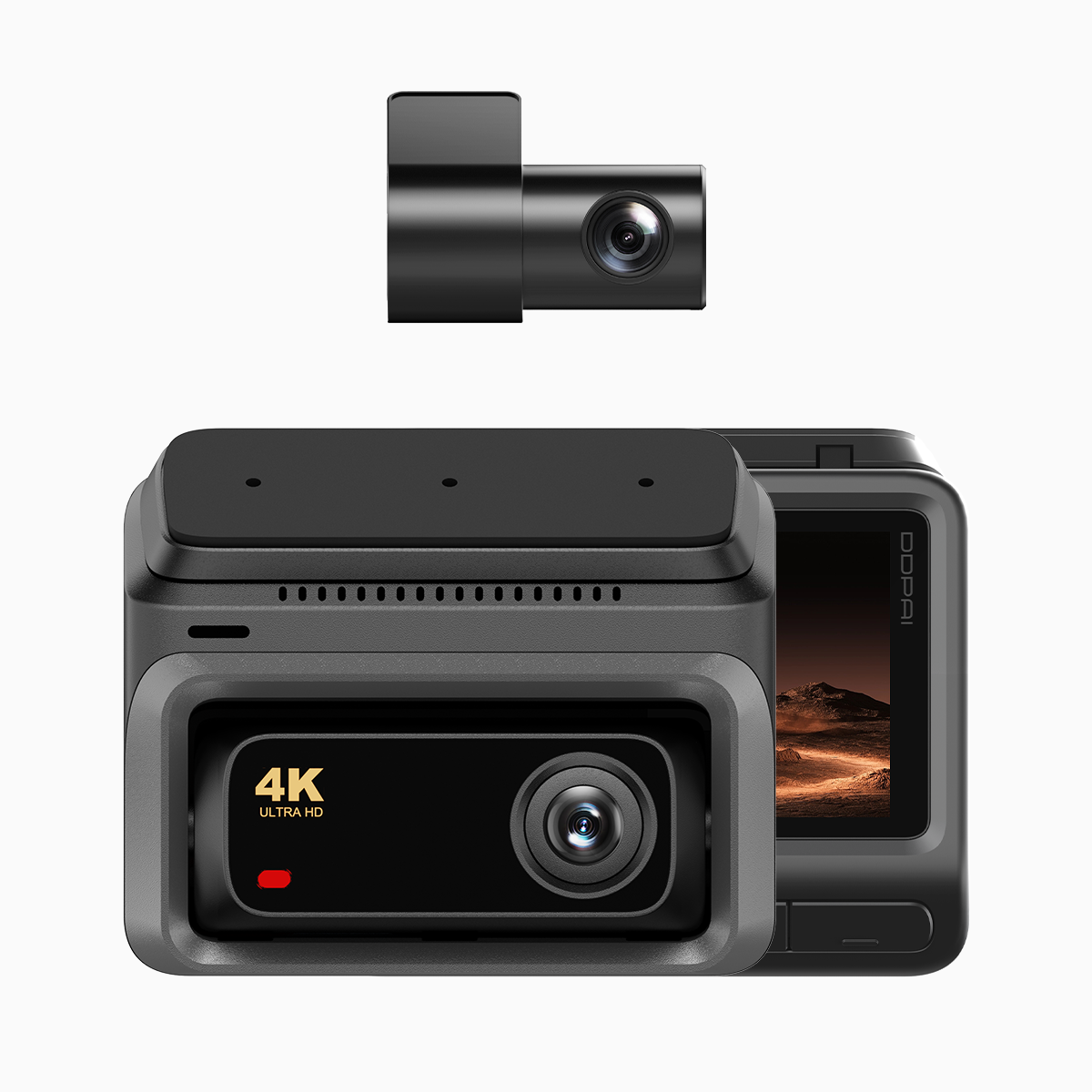
Fuse adapter selection and installation—step by step
Identify a constant hot fuse for battery power and an accessory (switched) fuse for ignition sensing if your kit requires it. Use a multimeter to verify which fuses are hot with the key off versus on. Install the fuse adapter into the fuse box, then attach the hardwire kit’s ground to a clean, unpainted metal chassis point. Set the hardwire kit’s voltage cutoff to a safe level—typically 12.0–12.3V for most cars—to protect the battery. Use a secure crimp or solder at all connections and cover them with heat-shrink or electrical tape to avoid corrosion.
Testing, configuration, and verification
Reconnect the negative terminal and test. Start the car to confirm the dashcam gets ignition power and shuts down with the engine if required. Leave the vehicle parked to verify parking mode engages and that the voltage cutoff pauses recording before the battery drops too low. If your unit supports 4G LTE, confirm the SIM or connectivity functions by checking remote live view or push alerts; this is vital for remote retrieval when you’re not near the vehicle. If you spot erratic behavior, re-check grounds and fuse taps—loose contacts are the usual culprit.
Common mistakes and how to avoid them
Avoid tapping into high-amperage circuits like ABS or airbags—those are for specialists only. Don’t hide cables under sharp metal edges or pinch them in door seals. Failure to set an appropriate voltage cutoff is a frequent oversight; too low and the battery dies, too high and you’ll lose parking surveillance prematurely. Also, neglecting to secure the rear camera cable can lead to intermittent recording—so use ample zip ties and gentle routing.
Three golden rules for successful installs
1) Power integrity: Verify fuse-source behavior with a multimeter and always set the voltage cutoff to protect the battery. This ensures uninterrupted parking mode without risking a dead battery.
2) Mechanical care: Route cables along factory channels, avoid airbag zones, and use trim tools—this prevents damage and keeps the interior factory-clean.
3) Connectivity and fail-safes: Confirm 4G connection and test remote access for models with cloud features. For many users, that remote access turns incident footage into immediate evidence.
These checkpoints reflect practical outcomes you can measure: stable parking recordings, predictable battery behavior, and reliable remote retrieval—real benefits that make DDPAI units, and especially their support in the Philippines, a solid choice for drivers who want evidence they can trust. DDPAI Philippines. —

